Repairs
Laptop running slow? 7 fixes to try before you replace it
A slow laptop is not always a dead laptop. Seven simple checks you can do at home, and when an SSD or memory upgrade makes more sense than a new machine.
By the Tech Depot team · 20 October 2026 · 5 min read
Most laptops do not slow down because they are old. They slow down because of what has built up on them: programs that start with Windows, a drive that is nearly full, or an old hard drive that was never fast to begin with. Before you spend money on a new machine, work through these seven checks.
1. Restart it properly
Closing the lid is not a restart. Use Start, Power, Restart at least once a week so updates finish and memory is cleared. It sounds obvious, but it fixes more slow laptops than anything else on this list.
2. Stop programs that start with Windows
Press Ctrl, Shift and Esc to open Task Manager, then open Startup apps. Disable anything you do not need the moment you switch on, such as game launchers, chat apps and update helpers. Keep your antivirus enabled.
3. Free up space on the drive
Windows needs room to work. If your C drive is more than about 85 percent full, open Settings, System, Storage and run Cleanup recommendations. Move photos and videos to an external drive or cloud storage.
4. Check for updates
Run Windows Update and your laptop maker's update tool. Driver and firmware updates often fix battery drain, overheating and slowdowns.
5. Scan for malware
Unwanted software and browser add-ons can slow a machine to a crawl. Run a full scan with Windows Security, and remove browser extensions you do not recognise.
6. Keep it cool
A laptop that is hot to the touch slows itself down to protect the processor. Use it on a hard surface, not a duvet, and have the fan and vents cleaned if it is loud all the time.
7. Consider an SSD or memory upgrade
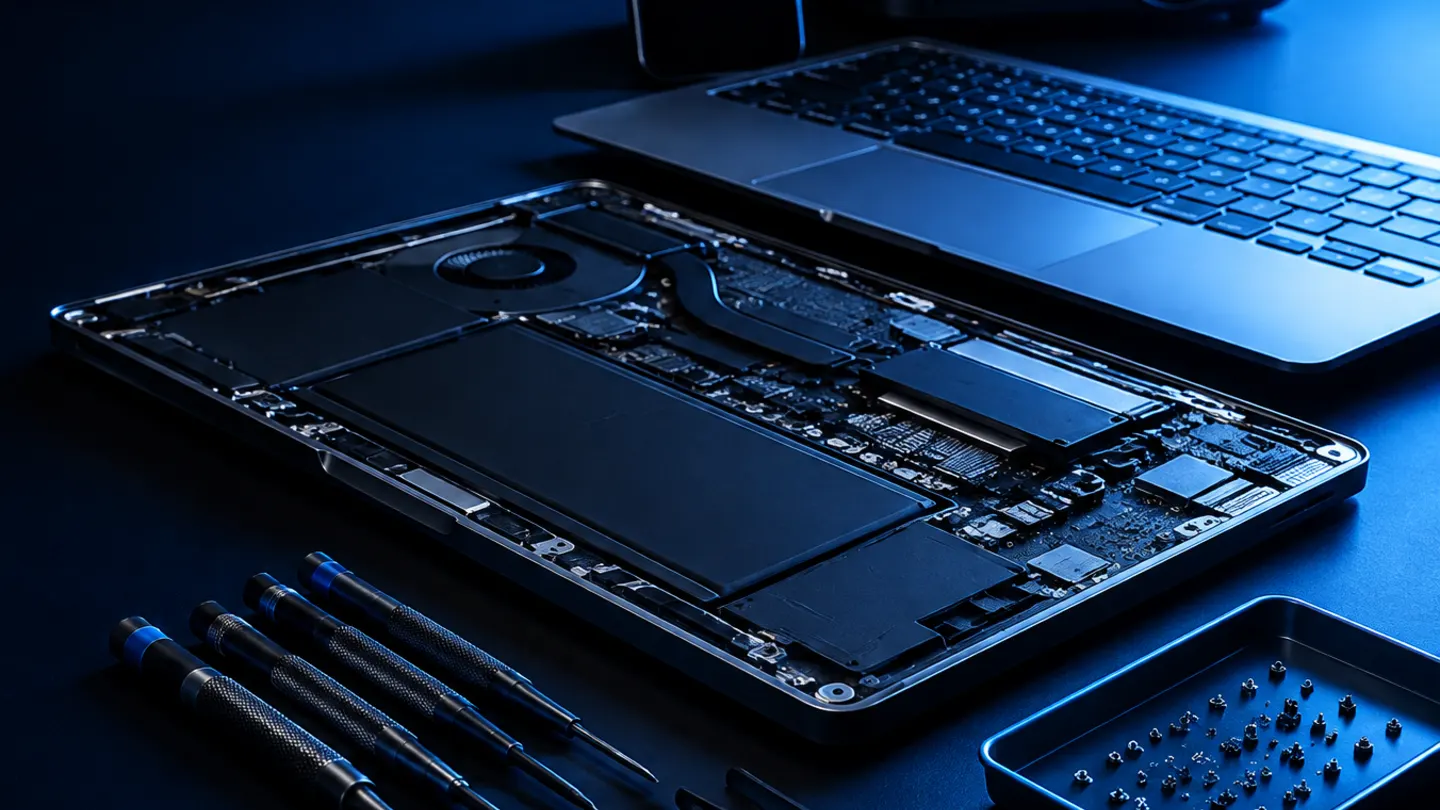
If your laptop still has a spinning hard drive, swapping it for a solid state drive (SSD) is the single biggest speed boost you can buy. Many laptops can also take more memory. An upgrade like this often gives a few more good years for a fraction of the price of a new laptop.
- Start up in seconds instead of minutes
- Programs open faster
- Your files, apps and settings are moved across
When to bring it in
If you have tried the steps above and it is still slow, or you are not comfortable opening Task Manager, bring it to Tech Depot in Ennis or Ennistymon. We assess it free of charge, tell you what is wrong, and you decide whether a repair, an upgrade or a new laptop makes the most sense.
Need a hand? Talk to the Tech Depot team.
Ennis and Ennistymon, Monday to Saturday, 9:00 am to 6:00 pm.